DailyOS for store operations
One place for invoices, day end, uploads, and staff access
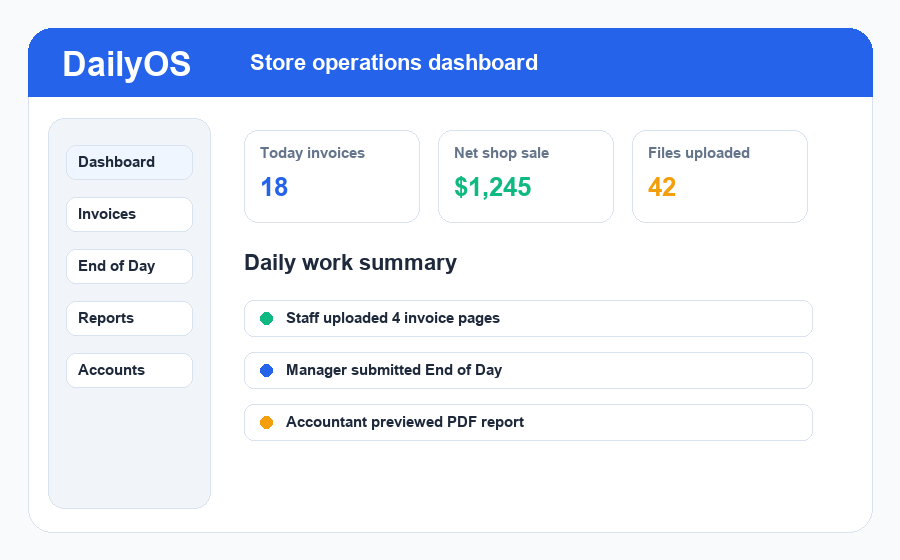
DailyOS is built for petrol stations and busy stores. Staff upload the daily paperwork, managers check the numbers, and the business owner can keep every site organised.
01
Supplier invoices and cash purchases
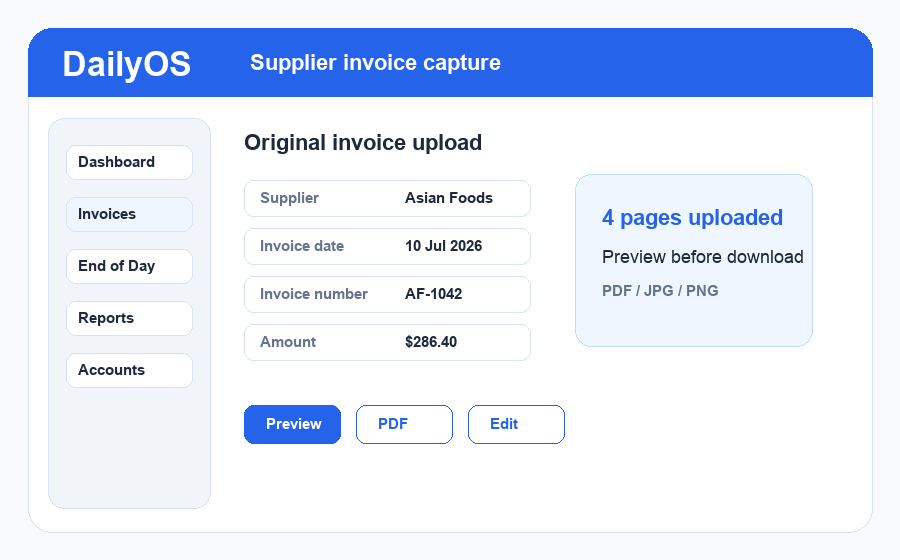
Staff can upload one invoice with many pages, preview the original file, and keep supplier invoices separate from cash purchases.
- Upload PDF or image pages together
- Preview before download
- Search by supplier, date, and invoice number
02
End of Day with daily uploads
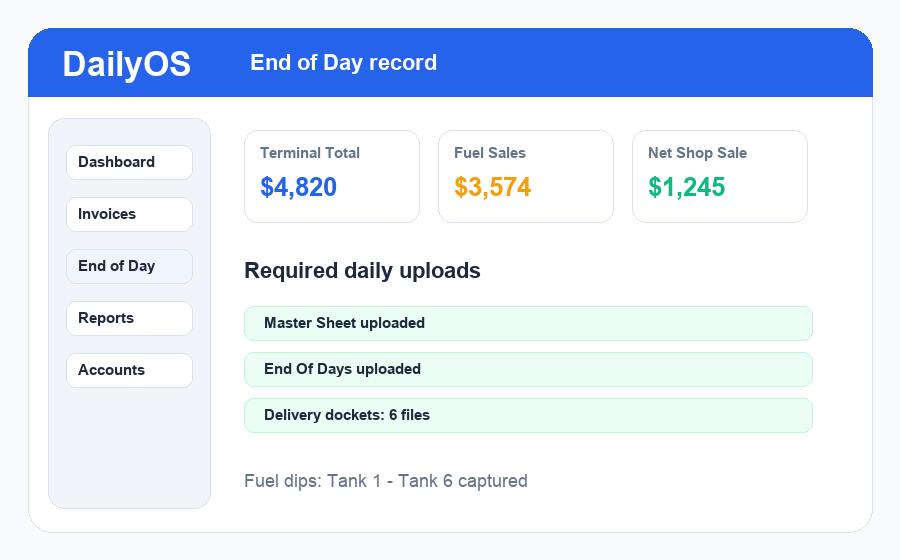
Capture terminal totals, fuel sales, shop sales, fuel dips, master sheets, end-of-day sheets, and delivery dockets in one daily record.
- Master Sheet and End Of Days uploads
- Multiple delivery dockets
- Fuel tank dip fields for each site
03
Reports for managers and accountants
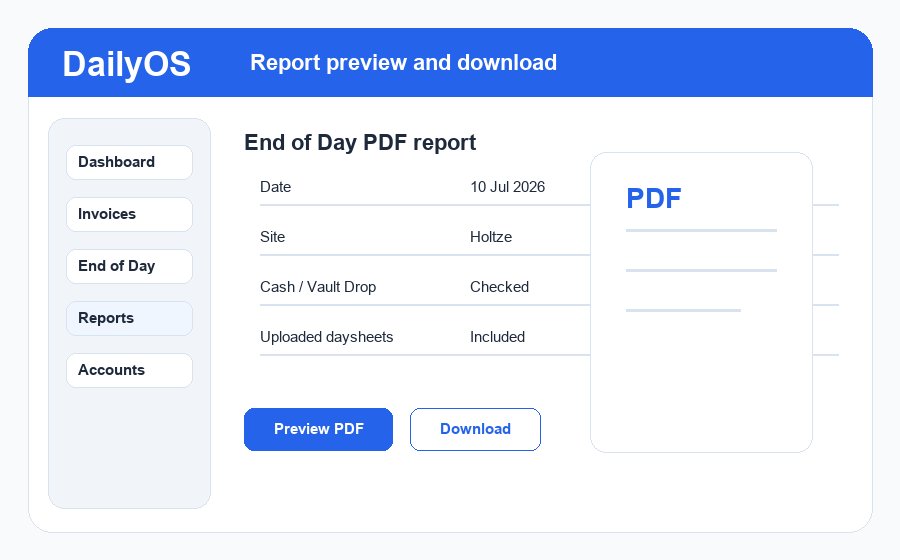
Managers can review the day, preview PDF reports, and download clean records for accounting without chasing files from staff.
- Daily PDF report preview
- Invoice and day-end exports
- Uploaded daysheets included in reports
04
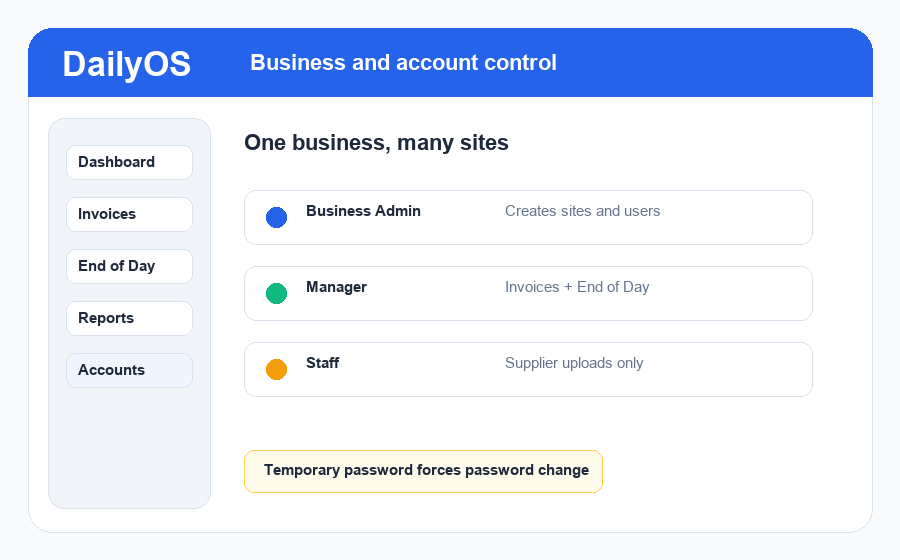
Secure staff and manager access
Give each team member the right access for their role, so staff can enter daily paperwork and managers can review the store records.
- Separate staff and manager logins
- Site-based access for each store
- Password reset support for users
05
Mobile access for every store
Staff can open DailyOS on their phone, capture paperwork with the camera, and continue the same invoice or day-end workflow from the store floor.
iPhone
Android
Camera uploads
Home screen app
How it works
1Request a quote with your business details.
2We set up your business, approved sites, and first admin.
3Your admin creates managers and staff with temporary passwords.
4Your team opens DailyOS on desktop, iPhone, or Android.